


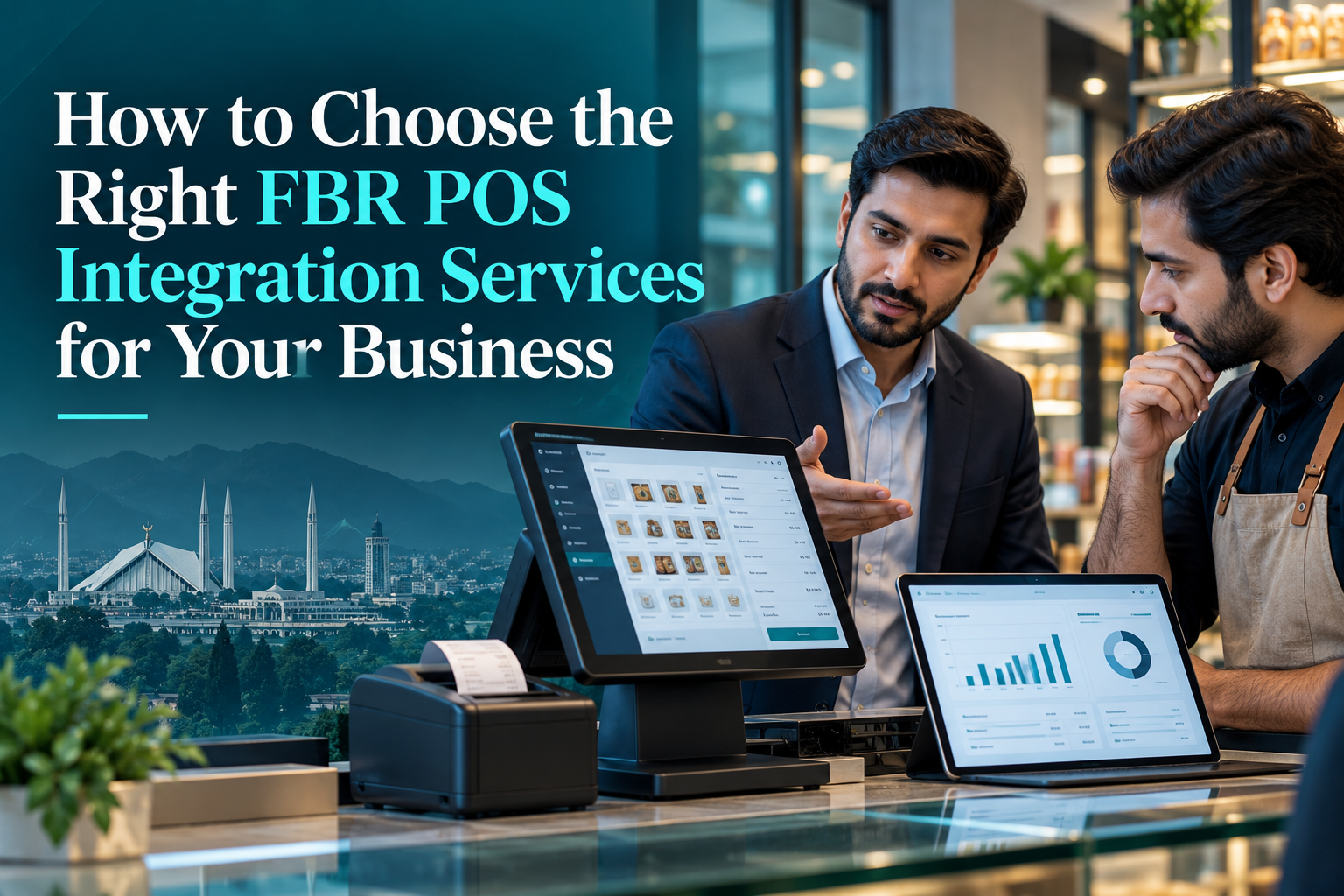
How to Choose the Right FBR POS Integration Services for Your Business
Introduction
Modern businesses need more than a cash register to manage sales, stock, receipts, and tax records. As digital invoicing requirements evolve in Pakistan, owners must understand how their billing systems handle transactions and transmit required information. Choosing fbr pos integration Services carefully can support smoother operations, more reliable records, and better preparation for applicable FBR requirements.
What Do FBR POS Integration Services Include?
FBR POS integration services help connect a business’s point-of-sale, enterprise resource planning, or invoicing software with the relevant Federal Board of Revenue system when integration is required. The work can involve reviewing software, mapping invoice data, configuring connections, testing transactions, and training staff.
A complete service should consider technical and business needs. It should help the business issue accurate invoices, keep sales records, review transmission errors, and maintain support. Installing software alone is not enough if staff cannot use it correctly or invoice data is incomplete.
Why Businesses Should Review Their Current Billing Setup
Many businesses already use billing software, yet their system may not support the required electronic invoice format or reporting process. Some record sales in one application, manage inventory in another, and prepare accounts separately. This can lead to duplicate entry, inconsistent figures, and difficult reconciliations.
A structured POS integration in Pakistan can reduce disconnected workflows by organising billing information consistently. It may also help managers track sales by product, cashier, date, or branch.
Check Your Compliance Position Before Selecting a Provider
First, confirm which rules apply to your business. FBR requirements may depend on registration status, business category, relevant notifications, and invoice types. Certain notified registered persons must integrate their POS, ERP, or invoicing system through a licensed integrator. PRAL is also identified in FBR guidance as a route for specified integration services.
Do not assume every shop has identical obligations or that an existing POS automatically satisfies them. Check current official guidance, applicable deadlines, and requirements for each location. If your organisation also falls under provincial sales tax rules, review those obligations separately. A written assessment gives your team a clearer starting point.
Five Features to Look for in an Integration Solution
1. Accurate Digital Invoicing
Your solution should support required invoice fields and produce records consistently. Suitable digital invoicing software should handle products, quantities, prices, applicable taxes, discounts, and adjustments in the format required for your circumstances.
2. Verified FBR Connectivity
Ask how transactions are transmitted and how staff can identify successful or failed submissions. A provider should explain its integration method, testing process, error reporting, and responsibilities for resolving failures. Where a licensed integrator is required, verify that the provider or integration partner holds the appropriate current FBR licence.
3. Inventory and Sales Management
A connected retail POS system can update stock as sales are recorded, reduce manual reconciliation, and flag unusual product movements. For restaurants, pharmacies, and wholesalers, configuration should reflect actual items, units, pricing, and workflows.
4. Multi-Branch Controls
Businesses with several outlets need consistent invoice settings and clear user permissions. A central dashboard can help management compare branch performance, while controlled access limits unnecessary changes.
5. Training and Ongoing Support
Employees need to understand how to issue invoices, process returns, resolve common errors, and escalate technical problems. Choose a partner that provides practical training and explains post-launch support.
How to Prepare for Implementation
Document your current process, including payment methods, invoice types, product records, branches, and accounting software. Clean duplicate products and confirm prices and tax settings.
Next, agree on scope, responsibilities, costs, testing criteria, and support expectations. Test representative transactions before launch, including discounts, returns, and different payment types. Check that required invoice information is transmitted and staff know how to recognise a failed transaction.
A sensible implementation includes a fallback procedure. If connectivity or equipment fails, staff should follow the approved process and record what happened. Do not invent unofficial workarounds or assume a later upload automatically resolves every reporting issue. Confirm the correct procedure with the authorised integration partner and relevant guidance.
Common Mistakes That Increase Risk
Choosing software only because it is cheap can lead to extra work later. Other mistakes include using an unverified integrator, ignoring error messages, allowing unrestricted invoice edits, failing to reconcile sales reports, and assuming that a QR code alone proves compliance.
Avoid treating FBR digital invoicing as a one-time technical task. Requirements and system settings may change, staff may leave, and new outlets may be added. Periodic checks help ensure that user access, product data, invoice settings, and reporting remain appropriate.
How PFOC Supports Businesses
Pakistan’s First Online Consultants (PFOC) helps businesses review billing needs and implement connected POS and digital-invoicing workflows using Tiller. Support may include setup, configuration, team training, transmission checks, and post-launch assistance. The suitable scope depends on the existing system and applicable requirements.
Before appointing a provider, confirm the technical route, who is responsible for licensed integration, what testing is included, and how support will work.
Frequently Asked Questions
Do all businesses need FBR POS integration?
Not necessarily in the same way. Obligations depend on applicable rules, notifications, registration, and business circumstances. Confirm the position that applies to your organisation rather than relying on assumptions.
Can an existing POS system be connected?
Possibly. A technical review can establish whether the system supports required data fields, invoice format, and connection method. Some businesses may need configuration changes or replacement software.
Is buying software enough for compliance?
No. Correct configuration, the required authorised integration route, reliable invoice data, staff training, error monitoring, and record keeping are important. Businesses remain responsible for meeting applicable legal and tax obligations.
Conclusion
Choosing FBR POS integration services is a business decision as well as a technology decision. Confirm your requirements, then assess software compatibility, provider authorisation, invoice accuracy, reporting, staff training, and support. A tested and well-managed system can make billing more organised while helping eligible businesses meet electronic invoicing obligations. Review the setup regularly so growth, staff changes, or revised requirements do not create avoidable gaps.
 Portuguese (Brazil)
 English
 Arabic
 French
 Spanish
 Portuguese
 Deutsch
 Turkish
 Dutch
Dutch
 Italiano
 Russian
 Romaian
 Greek
Greek
