


IPTV Box: Features, Setup, and Tips for Choosing the Right Television Device
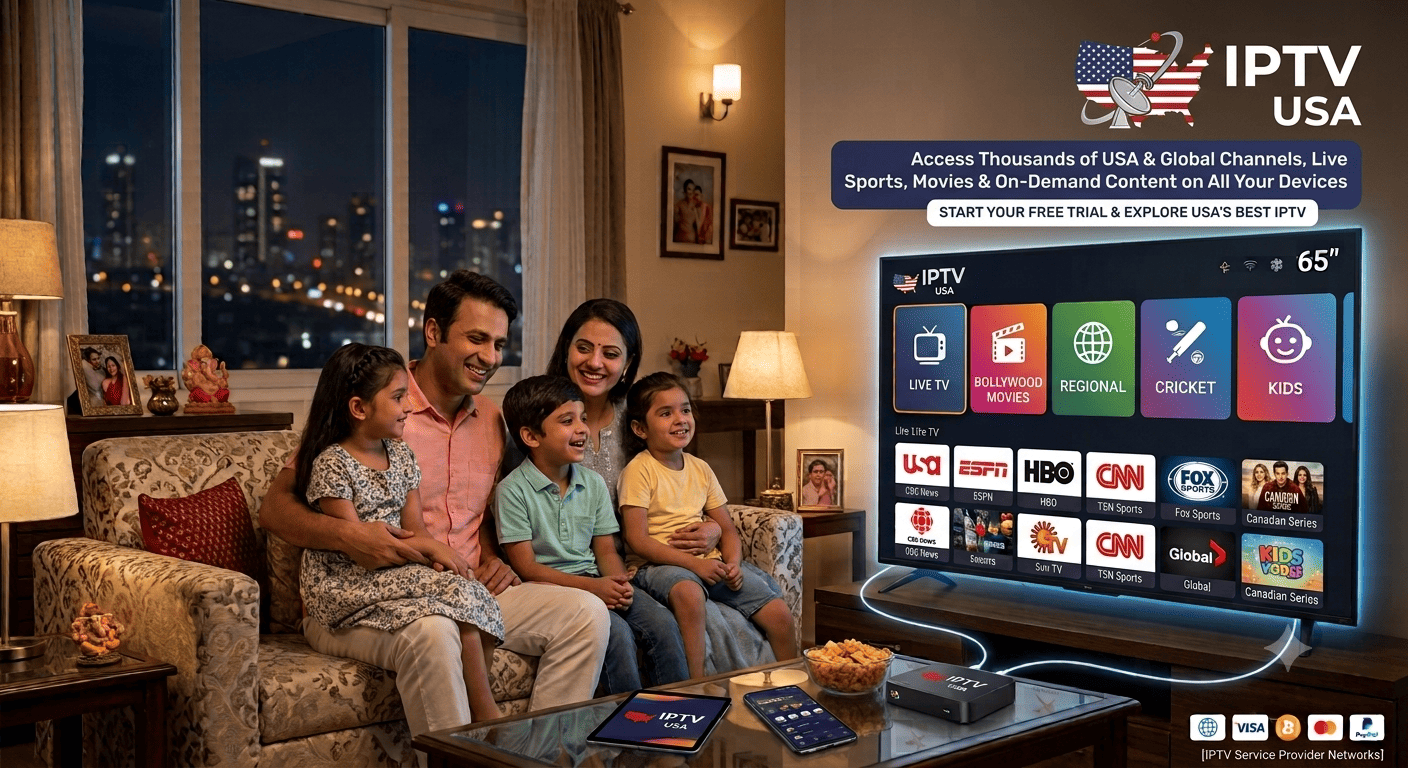
Internet television has changed how viewers access digital entertainment. Instead of relying exclusively on traditional broadcasting equipment, households can use compatible devices to stream television programs through an internet connection. An IPTV box is one option for connecting a television to supported streaming services. Understanding its features, installation requirements, and limitations can help you decide whether it is suitable for your home.
What Is an IPTV Box?
An IPTV Box is a hardware device that allows a compatible television to access internet-based video services. Depending on its design and operating system, it may support live television applications, on-demand movies, television series, and other digital entertainment.
Some boxes are designed for a particular service, while others support a wider range of applications. Hardware specifications, operating systems, storage capacity, and connectivity options differ between models.
It is important to understand that the device and the television subscription are not necessarily the same product. Purchasing a box does not automatically guarantee access to every channel. Content access depends on the applications, provider, subscription terms, and relevant distribution rights.
How Does an IPTV Box Work?
A streaming box connects to your television and receives video content through an internet connection. When you select a program, the supported application requests the stream and displays it on your screen.
The basic setup includes several components:
-
Television: A compatible display with the necessary connections.
-
Streaming device: The hardware that runs the required application.
-
Internet connection: A stable network connection for receiving video.
-
Application: Software used to browse and play available content.
-
Content provider: The service responsible for delivering authorized programming.
Each component contributes to the viewing experience. An outdated device may struggle with newer applications, while a weak internet connection can cause buffering.
Checking compatibility before buying equipment can prevent unnecessary expenses and setup problems.
Important Features to Compare
Not every streaming box offers the same performance. Consider the features that matter most for your television and viewing habits.
Operating System and Application Support
The operating system determines which applications can be installed and how the device receives updates. Check whether the services you want are officially supported.
Video Resolution
Some devices support standard definition, HD, or 4K playback. Confirm that the box, television, application, and content source all support the resolution you want.
Connectivity
Wi-Fi provides installation flexibility, while Ethernet may offer a more stable connection where supported. Check the available ports and wireless standards.
Processing Performance
Adequate processing power and memory can help applications run smoothly and make menus more responsive.
Remote Control
A clear, responsive remote can make searching for channels and navigating menus easier, particularly for users who prefer a conventional television experience.
Software and Security Updates
Regular updates help maintain application compatibility and address software vulnerabilities. Check whether the manufacturer provides ongoing support.
Understanding IPTV USA Compatibility
IPTV Box buyers in the United States should confirm that their chosen device supports the television applications and services available in their location.
The service itself may have geographic restrictions, and certain broadcasters may limit distribution according to licensing agreements. A device that works technically does not automatically guarantee access to every channel.
Before purchasing, confirm the supported applications, regional availability, subscription requirements, and content distribution rights.
It is also worth checking whether the device supports the audio and video formats used by your preferred services. This can help avoid compatibility problems after installation.
Setting Up Your IPTV Box
Although installation varies between models, the general process is straightforward.
Step 1: Check your television. Confirm that the television has a compatible connection, such as HDMI, and that the display supports the required resolution.
Step 2: Connect the hardware. Follow the manufacturer's instructions to connect the box and power supply.
Step 3: Connect to the internet. Use a supported Wi-Fi network or Ethernet connection.
Step 4: Complete the device setup. Follow the on-screen instructions and install supported applications from trusted sources.
Step 5: Sign in to your service. Enter your account details only through the appropriate official application.
Step 6: Test the experience. Open several programs, check the audio and picture, and explore the menus.
If something does not work, consult the manufacturer's instructions before changing advanced settings or installing unofficial software.
Improving Streaming Performance
The internet connection is one of the most important factors affecting playback. Available bandwidth, network congestion, wireless interference, and provider-side problems can all contribute to buffering.
For better results, place the router where it can provide a strong signal to your streaming device. If the box supports Ethernet, a wired connection may help in areas with weak Wi-Fi.
Also avoid running unnecessary downloads on the same network while testing playback. Try several channels to determine whether the issue affects all content or only a particular stream.
Vois IPTV is another brand name viewers may encounter when researching television services. Before choosing any provider, check its current device requirements, channel availability, pricing, customer support, and authorization to distribute the content it offers.
Costs and Subscription Considerations
The total cost of an internet television setup may include the device, accessories, and a separate subscription. Compare these costs before purchasing.
Check whether the provider charges monthly or offers longer-term plans. Review automatic-renewal conditions, cancellation rules, and any additional fees.
If a trial is available, use it to test the service on your intended device before committing to a longer subscription. Make sure the programs you want are actually available.
Frequently Asked Questions
Is an IPTV box necessary for every television?
No. A compatible smart TV may support the required application without an additional device.
Does the box automatically include channels?
Not necessarily. Access depends on the installed applications, subscription, and provider's content rights.
Can I use Wi-Fi with an IPTV box?
Yes, if the device supports Wi-Fi and the connection is sufficiently stable. Ethernet may also be available on some models.
How often should I update the device?
Install supported security and software updates as recommended by the manufacturer.
Conclusion
An IPTV box can provide a convenient way to access internet-based television on a compatible display. The best choice depends on application support, connectivity, video capabilities, software updates, and the subscription you intend to use.
By comparing these features and verifying content availability before purchasing, you can select equipment that suits your household and supports a reliable viewing experience.

 English
 Arabic
 French
 Spanish
 Portuguese
 Deutsch
 Turkish
 Italiano
 Russian
 Romaian
 Portuguese (Brazil)
 Greek
Greek
